
The Smart Way to Declutter Old CDs and DVDs
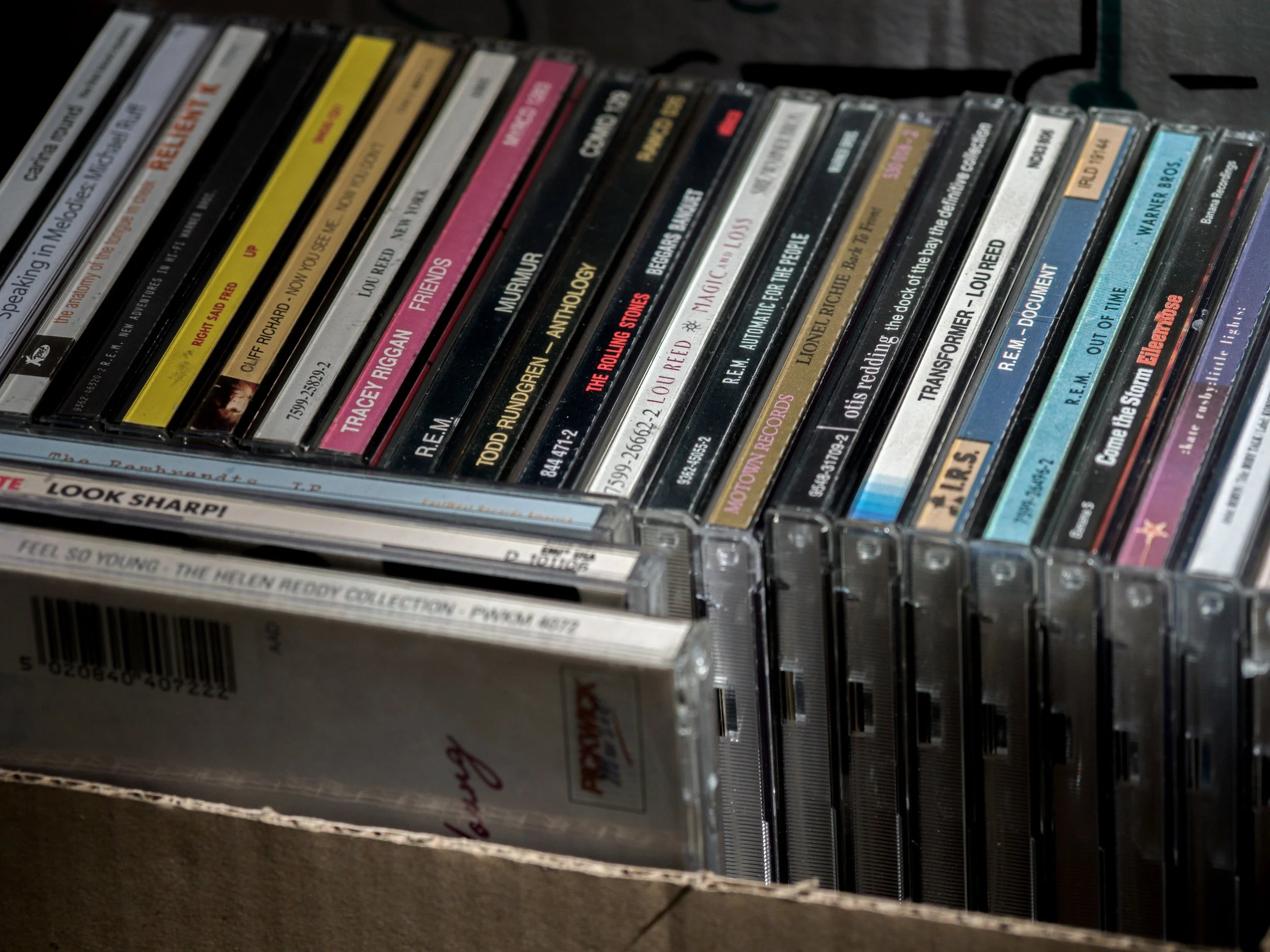
Box of assorted CDs and DVDs waiting to be sorted, illustrating a simple first step in deciding what to back up, securely destroy, donate, or recycle during the decluttering process.
If you've ever opened a drawer or box filled with old CDs and DVDs and wondered, "What am I supposed to do with all of these?" you're certainly not alone. Technology has changed so quickly that many of us have collections we haven't touched in years. The challenge is that those little discs might contain treasured family photos, important documents, favorite music, or home videos—or they might be completely blank. At first glance, it's almost impossible to know which is which.
Before You Let Them Go
I recently worked with a client who had accumulated quite a collection of CDs and DVDs over the years. Some were clearly labeled, while others had little or no identifying information. Like many people, she didn't know whether they contained anything important, and that uncertainty made it difficult to decide what to keep and what to let go.
One of the simplest ways to begin sorting them is by looking at the back of each disc. A brand-new, unused recordable CD or DVD typically has a consistent appearance with only its inner ring visible. A disc that has been recorded usually shows a lighter-colored ring extending outward from the center. It's a subtle difference—almost like looking at the rings of a tree—but once you compare a few discs, it becomes much easier to spot.
It's not always easy to see, especially in photographs or videos, but this quick visual check can help you identify which discs deserve a closer look before making any decisions.
Protect the Memories First
As we sorted through my client's collection, we discovered that about half of the discs contained data. We tested those to see exactly what was on them before deciding what to do next.
That's an important step I encourage everyone to take. Before donating, recycling, or discarding old CDs and DVDs, make sure you've preserved anything meaningful. Family photographs, personal documents, home movies, and other irreplaceable memories deserve to be transferred to a safer, more current storage method.
Once you've confirmed that the information is no longer needed—or you've safely backed it up—you can confidently move forward.
In my client's case, one of the recorded discs contained information she no longer needed, so it was sent for secure shredding. Commercial shredding companies can safely destroy CDs and DVDs that contain personal information. The unused blank discs, however, didn't require secure destruction, opening the door to several donation and recycling options instead.
Small Decisions Create Big Progress
Organizing isn't always about making big, dramatic changes. Often, it's about taking one small step that replaces uncertainty with clarity. A single box of old media can feel overwhelming until you have a simple process to follow.
When you know what you're looking for, the decisions become easier. Instead of wondering whether you're accidentally throwing away precious memories, you can confidently preserve what's important and let go of what no longer serves you.
Every item you thoughtfully sort creates a little more space—not just in your home, but in your mind as well.
Whether you're organizing one drawer or an entire house, remember that progress happens one decision at a time. You don't have to do it all in one afternoon. With a little patience and the right strategy, even outdated technology can become one more organizing success story.
Pinky Jackson is a Decluttering Specialist and Home Organizing Expert. If you need expert organizing help, don't hesitate to reach out. Pinky and her team would love to help you. Onsite Organizing services are available in the Louisville, KY area and Virtual Organizing services are offered for clients in other locations and for those who prefer to work online. Visit pinkyjackson.com to learn about our services and schedule a free assessment.
Photo: Brett Jordan @brettjordan
